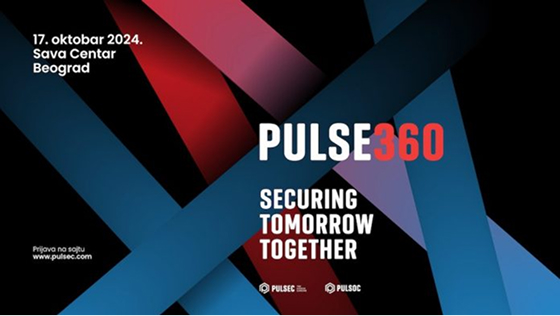




Pulse360 is a conference that brings together cybersecurity experts, IT managers, analysts, and enthusiasts who want to stay one step ahead of the latest cyber threats.
Resilience by Design
The fourth edition of the Pulse360 conference explored resilience as a fundamental principle of cybersecurity. The conference focused on how organizations, systems, and individuals build resilience on three levels: preparing for a crisis, responding during an attack, and recovering in its aftermath.
Pulse360 opened up discussions on different aspects of resilience, from architecture and AI solutions to regulations and processes that enable rapid recovery and business continuity, as well as the personal resilience of cybersecurity professionals.
Speakers
































Conference Program
For the first time, we introduced new formats that brought more interaction, hands-on activities, and real-world examples to the conference. Alongside panel discussions, networking activities, and our traditional exhibition zone, attendees had the opportunity to watch a live recording of the Pulse360 podcast and take part in the first-ever Pulse360 Capture the Flag competition.

Pulse360 podcast
Knowledge is not shared through presentations alone; it grows through conversation. Keeping up with the latest trends in content consumption, we introduced a new experience for attendees at this year’s conference: a podcast recorded live on stage.
In each episode of the Pulse360 podcast, cybersecurity experts shared their experiences and discussed current topics, key challenges, and the changes shaping the industry.

Inside PULSEC
(Invite Only)
An exclusive demo session in which PULSEC engineers used real-world scenarios to demonstrate how to build more resilient systems that can withstand attacks and recover successfully from their impact. The session gave attendees an inside look at the approach PULSEC applies in its day-to-day operations, as well as an opportunity to meet the people responsible for protecting organizations across a range of industries from cyber threats.
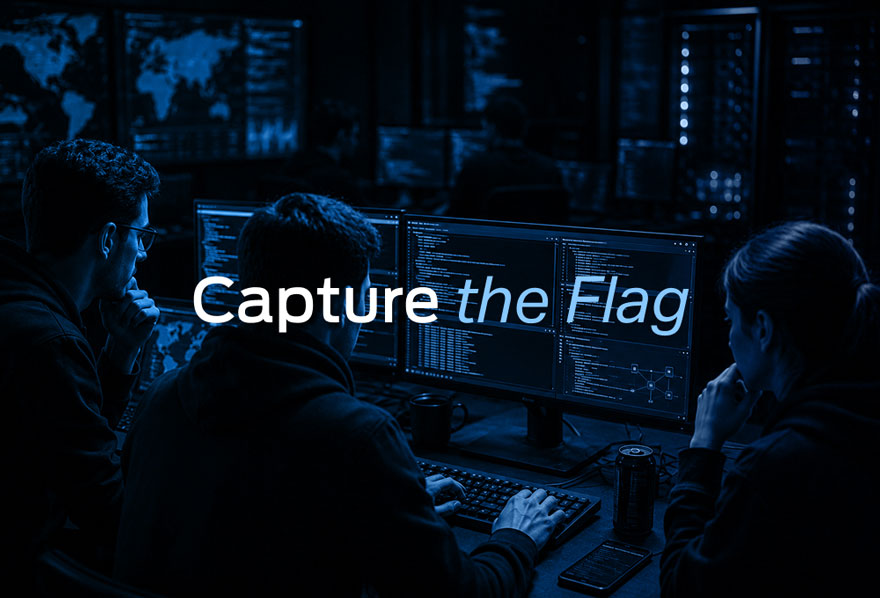
Capture the Flag
As part of the first-ever Pulse360 Capture the Flag competition, experienced cybersecurity professionals put their skills to the test in two challenges, tackling real-world security scenarios and earning points along the way. Results were tracked live, and the three top-performing participants won valuable prizes, presented at the end of the conference.
Conference Agenda
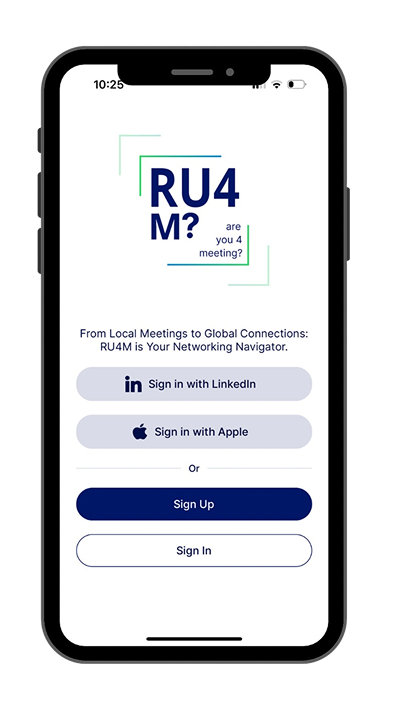
RU4M? – Your Digital Support for the Pulse360 Conference
The official Pulse360 conference application once again provides participants with easy access to all important information in one place.
Through the RU4M? app, you can follow the agenda, meet other participants, connect with relevant contacts, and enhance your conference experience. The event section provides details about the program, location, speakers, and participants, as well as tools for easier business networking.
The RU4M? app is available for Android and iOS users via Google Play and the App Store.


Conference Partners












Frequently Asked Questions
Who is the Pulse360 conference intended for?
The Pulse360 conference is intended for IT executives, cybersecurity managers, incident responders, cybersecurity analysts, cybercrime experts, as well as business users interested in learning more about trends, regulations, and ways to protect their organization’s business.
How do I register for the conference?
The number of places for the conference is limited. You can register via the form available on the website. You only need to enter the following information, of which the mandatory fields are: first and last name, company, position, and email address. After completing the form, you will receive a registration confirmation via email.
Will I receive a registration confirmation after registering for the conference?
When applying for the conference via the registration form, you also provide your email address, to which a registration confirmation will be sent. This email will also contain a QR code that you should save on your phone, as it will be required for check-in on the day of the event. Registration begins at 12:00 PM, and entry without registration is not possible.
How do I check in using a QR code on the day of the event?
Upon arrival, the registration staff will scan the QR code you received by email and provide you with your accreditation. Registration starts at 12:30 PM, and entry without registration is not possible.
How can I stay informed about potential changes to the conference program?
You will be notified via email about agenda changes, topics, and other relevant information. You can follow all changes on the conference website, as well as through the official conference application, RU4M?
What is the registration fee for the conference?
Registration for the conference and the subsequent organized social gathering with a musical program is mandatory but free of charge. Registered individuals will be allowed to attend, and upon arrival at the location, you must check in at the registration desk, where you will scan the QR code received by email and collect your accreditation. Conference registration allows you to attend the conference program free of charge, with the exception of the VIP presentation, which is organized for a limited number of invited users.
What is the procedure if I register but find I cannot attend the conference?
In the event that you register for the conference but realize before it takes place that you are unable to attend, we kindly ask you to inform the conference organizing team at [email protected].
The same procedure applies to registration for the Capture the Flag exercise. If you have signed up for it but will be unable to attend, we kindly ask you to notify us of your cancellation.
Can I bring an additional guest to the conference?
The number of places at the conference is limited. Registration for all conference participants is mandatory. If you have registered and a colleague or associate also intends to join, they must also complete the registration form separately to receive the QR code required for check-in on the day of the conference and all other relevant information.
If I do not register, can I enter the conference on the day of the event?
Registration on the day of the event is not possible. The number of places is limited, and registration is mandatory.
What is the conference dress code?
Classic and professional business casual.
What is the working language of the conference?
The working language of the conference is Serbian, and part of the presentations will be in English. If a presentation is in English, it will be indicated in the agenda, and translation will be provided via a web application that allows you to choose whether you want to listen to or read the translation of what is being said on stage.
Are meals provided during the conference?
Lunch is planned during the conference, while a dinner with a musical program will follow the conclusion of the official program and the prize activation.
How will the photo and video materials from the conference be used?
During the conference, videographers and photographers will record the atmosphere, panels, and lectures. These materials will be used for conference promotion and published on: the conference page, PULSEC company social media, media outlets, and marketing materials. By registering for the conference, participants grant permission for these materials to be published without additional approval or review.
Is parking available at the location?
How can I contact the conference organizers for more information?
You can send all questions to [email protected]. The organizing team will contact you based on your inquiry.
How do I unsubscribe from the Pulse360 Newsletter?
You will also receive periodic Pulse360 Newsletters at your email address, where you will find more details about lectures, sponsors, and exhibitors. If you do not wish to be informed this way, an unsubscribe button is available at the bottom of every Newsletter.
Is smoking allowed at the conference?
A smoking ban applies to the entire space, including electronic cigarettes, which are not allowed. There is no smoking area inside the facility.
What content do conference registrants have access to?
Conference registration allows you to attend the conference program free of charge, with the exception of the VIP presentation, which is organized for a limited number of invited users. During registration, you must separately apply to participate in the Capture the Flag exercise. The number of places for the conference and the number of Capture the Flag participants is limited. Registration on the day of the event is not possible.
Who can attend the Inside PULSEC demo exercise?
Inside PULSEC is a VIP presentation organized for a limited number of invited users. Entry without an invitation and a selected time slot is not possible, while demo exercise participants can only access it during their chosen time slot. Registration and time slot checks are performed at the entrance to the hall.
Who can participate in the Pulse360 Capture the Flag competition?
When registering for the conference, you must also sign up for Capture the Flag if you wish to participate. The number of places is limited.
What are the rules for the Pulse360 Capture the Flag competition?
Capture the Flag consists of two exercises. Each lasts 1 hour and 30 minutes, and the results of both exercises are combined to determine the winners. The first exercise starts at 2:10 PM, and the second at 4:00 PM. You must go to the Capture the Flag hall during those times to familiarize yourself with the rules and access the exercises. You need to bring your own laptop.
Is a separate registration required for Capture the Flag?
Yes, when registering for the conference, you also need to sign up for Capture the Flag.
Can participants ask speakers questions during podcast sessions and panels?
What is RU4M?
RU4M? is the official application of the Pulse360 conference, which makes it easier for participants to follow and interact during the event.
How can I use the RU4M? app to stay informed about the PULSE360 conference?
The RU4M? app is available for Android and iOS users via Google Play and the App Store. In the “Events” section of the RU4M? app, you can find key information about Pulse360, including the location, agenda, and participant list.
What if I cannot install the RU4M? app on my own?
If you have doubts about installing the app, or any other questions, look for the RU4M? info desk, where the RU4M? promo team will help you launch and get to know the app and all its options.
How can I participate in the conference prize activation?
To participate in the conference prize activation, you need to follow a few simple steps.
1. Download the official RU4M? conference app and create your account.
2. In the “Events” section, sign up for the Pulse360 event.
3. Visit all exhibitor booths, meet the conference partners, and scan the unique QR codes located at each booth. The app will track your progress, and you can only participate in the draw if you scan all the codes.
Registration
Attendance at the Pulse360 conference is exclusively reserved for technical professionals representing their companies.
Registration for this year’s conference is now closed. Thank you for your overwhelming interest!
Photo Gallery
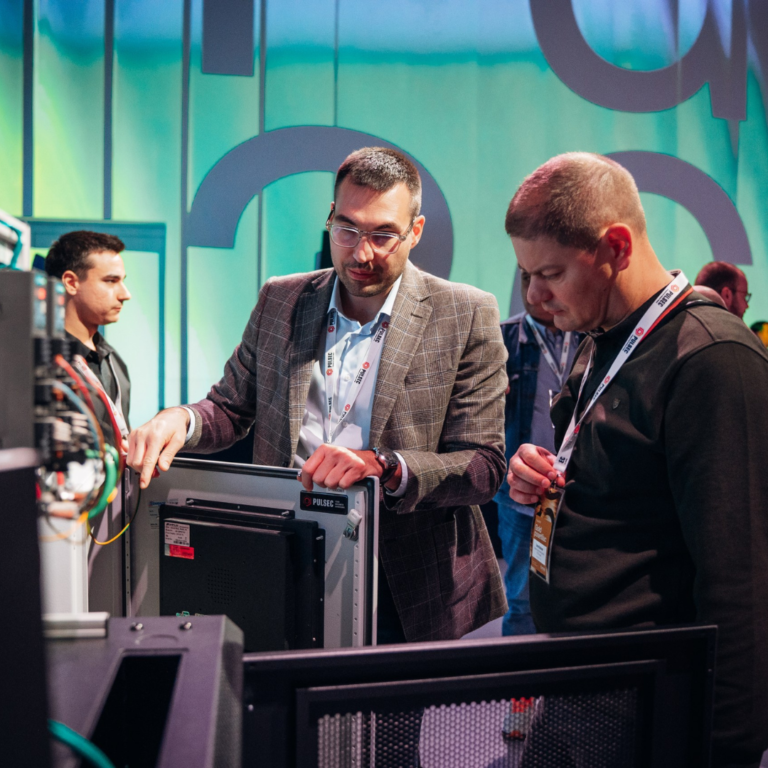
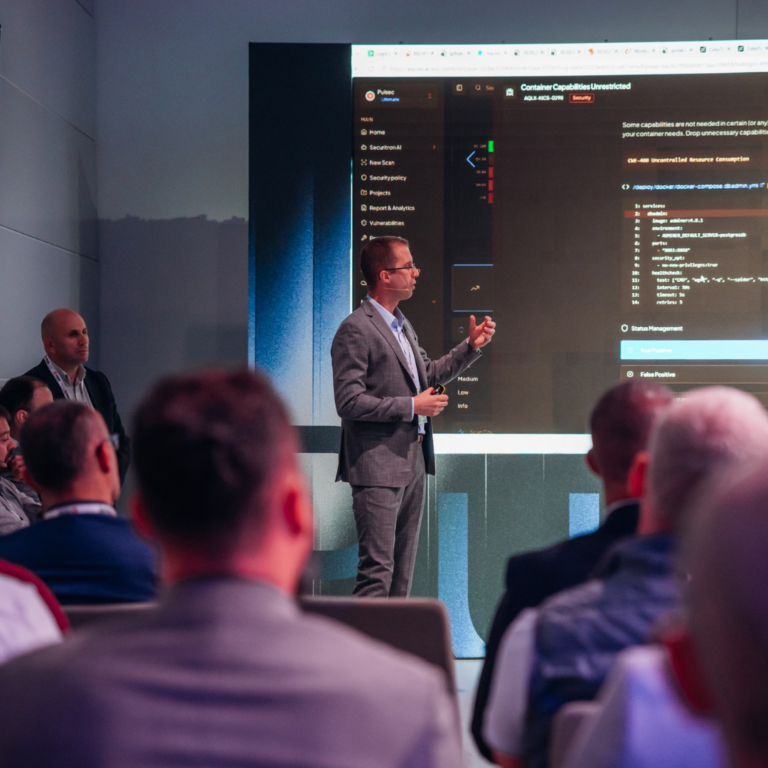
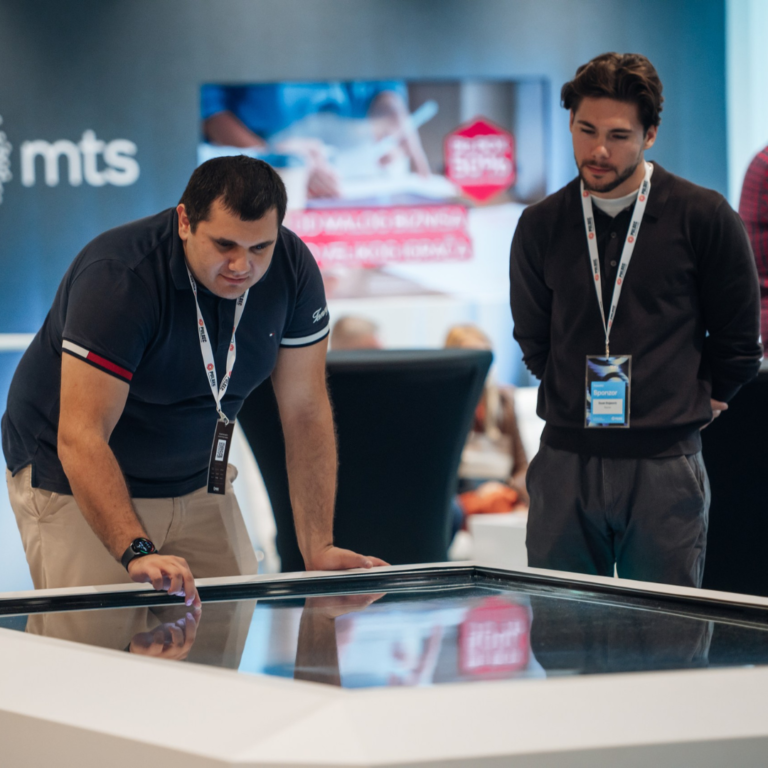
View the photos that best capture the atmosphere and the most significant moments of the conference.

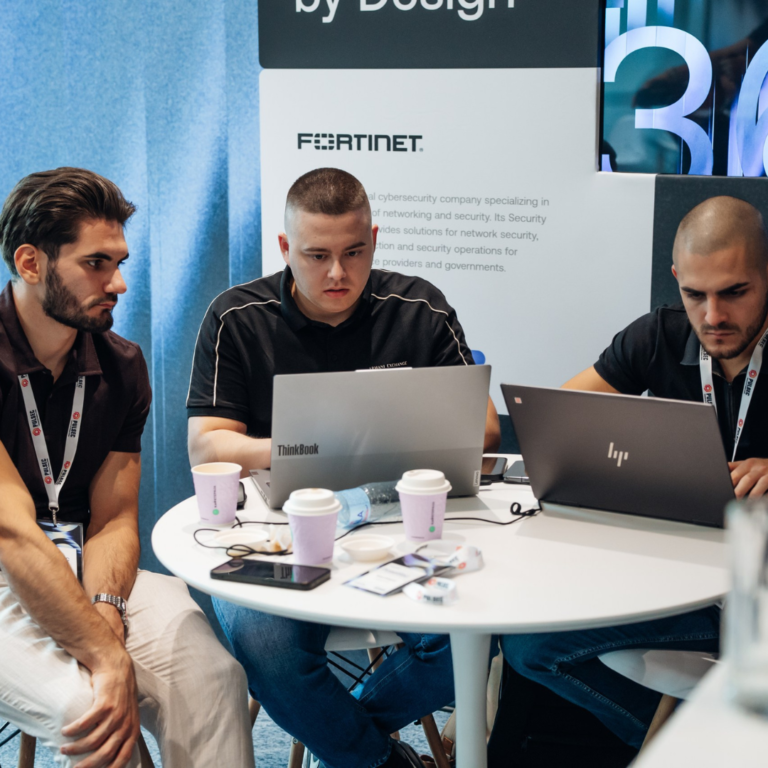










Our Previous Events
Below you can see what Pulse360 looked like in previous years.